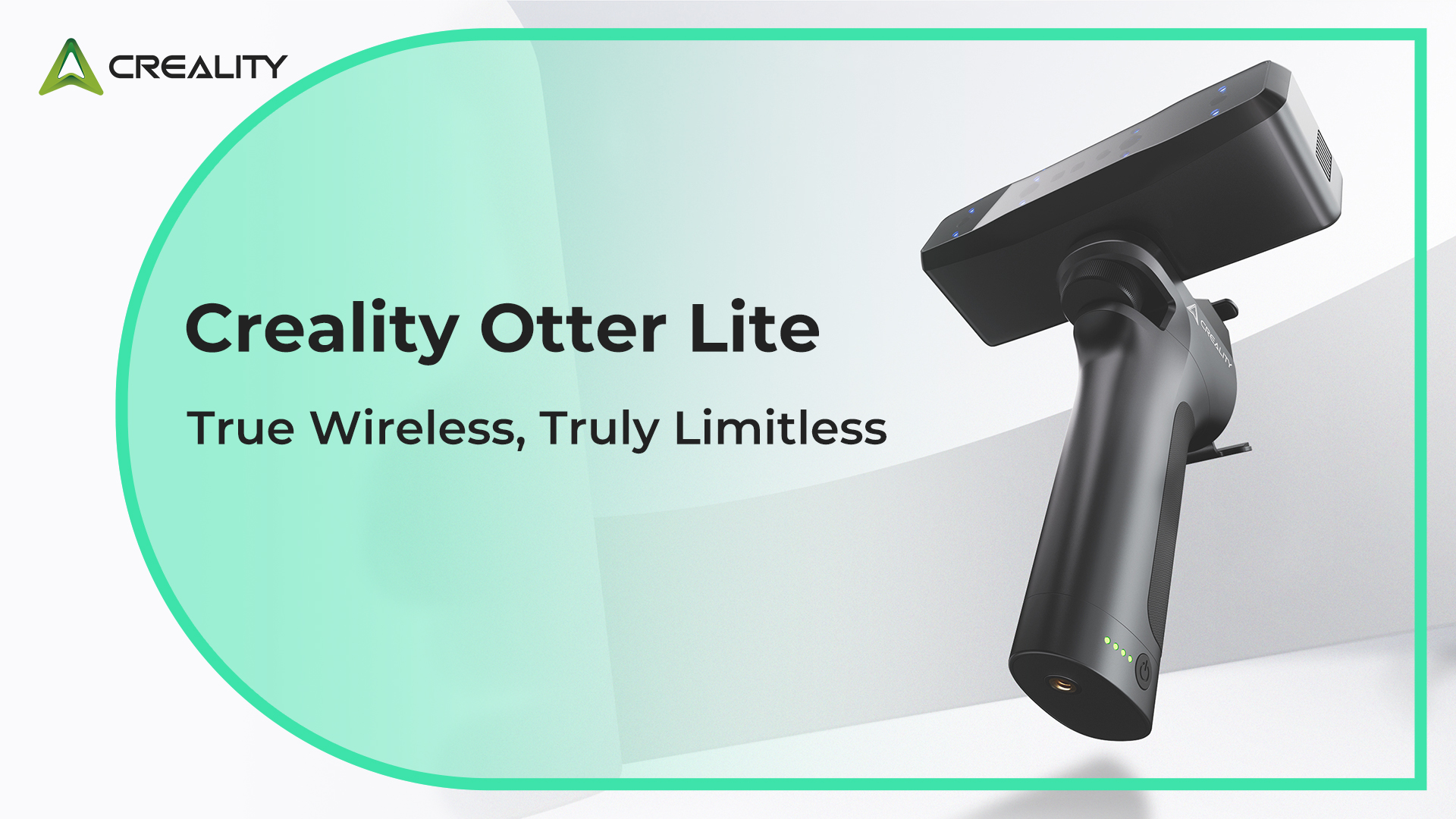
Creality 3D Scanner used to be expensive, complex, and mostly limited to industrial labs. Today, devices from companies like Creality have completely changed that landscape. A Creality 3D scanner brings professional-style digitizing tools into the hands of hobbyists, designers, engineers, and small businesses at a price that feels realistic.
In this guide, we’ll explore what a Creality 3D scanner is, how it works, who should use one, and what makes it stand out. If you’re thinking about stepping into 3D scanning—or upgrading from basic photogrammetry—this deep dive will help you make an informed decision.
What Is a Creality 3D Scanner and How Does It Work?
A Creality 3D scanner is a device designed to capture the shape and surface details of real-world objects and convert them into digital 3D models. Instead of manually modeling something in CAD software, you simply scan the physical item, and the scanner reconstructs it digitally. This can save hours—or even days—of design work.
Most Creality scanners rely on structured light or infrared technology. The scanner projects a pattern onto the object and records how that pattern deforms across the surface. Using this data, the software calculates depth, contours, and texture to build an accurate 3D mesh. This method allows for precise capture of curves, fine edges, and even subtle surface variations.
Another important part of the process is tracking. Creality scanners use markers, feature recognition, or AI tracking to maintain spatial awareness as you move the scanner around the object. The result is a smooth, continuous scan rather than disconnected fragments. Once scanning is complete, the data can be cleaned, aligned, and exported for 3D printing, animation, or engineering use.
Key Features That Make Creality 3D Scanners Popular
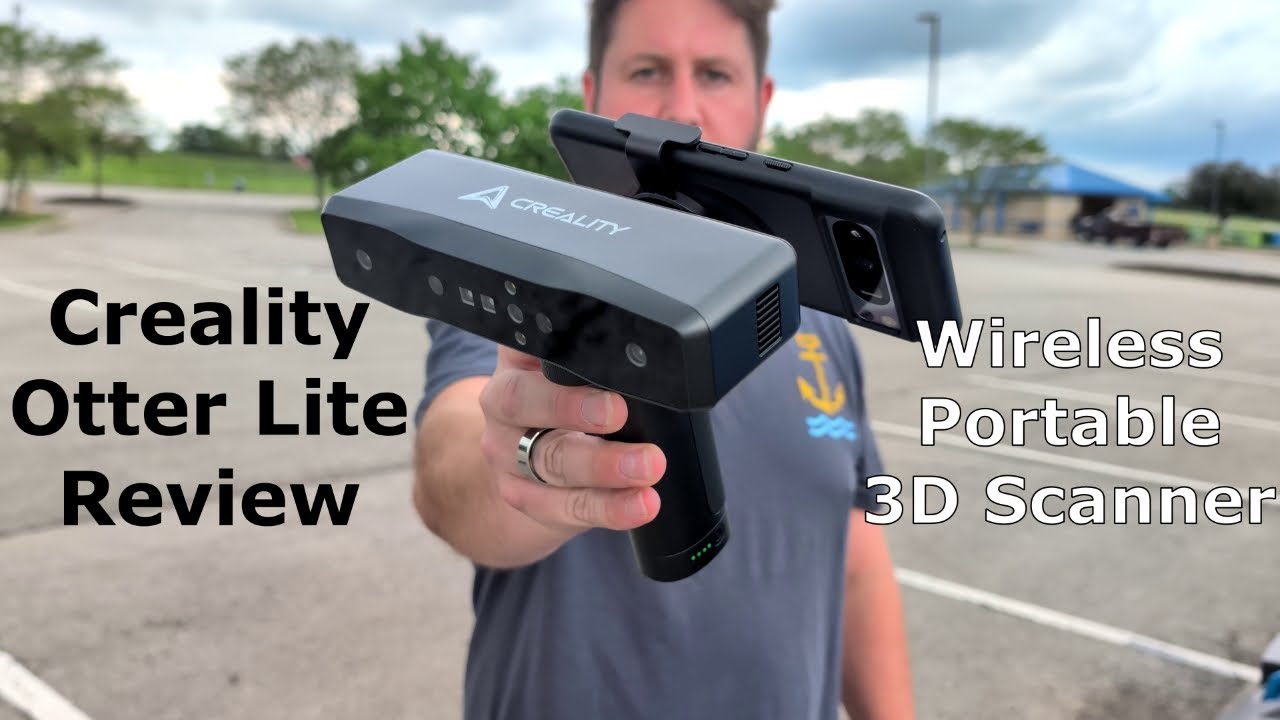
One reason Creality 3D Scanner are gaining attention is their balance between price and performance. Many professional scanners cost thousands of dollars, but Creality focuses on making accessible tools without stripping away essential features. This approach makes them appealing to beginners while still useful for experienced creators.
Accuracy is one of their strongest selling points. Depending on the model, Creality scanners can capture details with sub-millimeter precision. For practical purposes, this means you can scan mechanical parts, sculptures, or prototypes and trust the dimensions will remain close to the original. For makers working in reverse engineering or custom fitting, this level of accuracy is extremely valuable.
Portability is another advantage. Many Creality scanners are compact and lightweight, designed for handheld use. You can scan objects on a desk, in a workshop, or even outdoors. Combined with user-friendly software interfaces, this portability lowers the learning curve and encourages experimentation. Instead of feeling like technical lab equipment, these scanners feel more like everyday creative tools.
Common Use Cases for a Creality 3D Scanner
One of the most popular uses is 3D printing preparation. Users often scan an object, modify the model slightly, and then print a replica or improved version. This workflow is especially useful for repairing broken parts, customizing accessories, or duplicating rare components that are hard to find.
Artists and designers also benefit greatly from Creality 3D Scanner. Sculptors can digitize clay models and refine them digitally before final production. Jewelry designers can capture hand-crafted prototypes and scale or tweak them in software. Even game developers and animators use scans of real objects—or faces—to create realistic digital assets for virtual environments.
Education and engineering fields use Creality 3D Scanner for measurement and documentation. Students can scan historical artifacts or biological samples for study, while engineers can capture machinery parts for analysis or redesign. Instead of relying on manual measurements alone, scanning provides a full 3D reference that can be revisited anytime.
Comparing Creality 3D Scanner Models
Creality 3D Scanner aimed at different needs and budgets. Entry-level models typically focus on ease of use and portability. They’re ideal for hobbyists who want to scan small to medium objects such as figurines, tools, or household items. These scanners often include automatic alignment and AI assistance to simplify the process.
Mid-range models improve accuracy and tracking performance. They handle more complex surfaces and can capture finer details, making them suitable for professional prototyping or small business use. These scanners usually offer multiple scanning modes—handheld, turntable, or fixed—so users can adapt to different projects.
High-end Creality scanners are designed for serious creators who need reliable precision. They may include faster capture speeds, better resolution, and stronger software integration. These models can scan larger objects like furniture or human bodies while maintaining detailed geometry. For studios or engineering teams, the upgrade can significantly boost workflow efficiency.
Ease of Setup and Learning Curve
One of the biggest fears new users have about Creality 3D Scanner is complexity. Fortunately, known for relatively straightforward setup. Most models connect via USB or Wi-Fi and include guided calibration steps to ensure accurate results from the start.
The scanning software usually provides real-time visual feedback, showing which areas are captured and which still need coverage. This reduces guesswork and helps beginners quickly understand how movement affects results. Within a few sessions, most users develop a smooth scanning rhythm.
Post-processing is also designed to be manageable. Tools for cleaning noise, filling holes, simplifying meshes, and exporting files are typically built into the software. While advanced users can still refine models in professional programs, beginners can achieve usable results without leaving the default environment.
Advantages Over Traditional Modeling Methods
Manual 3D modeling requires both time and technical skill. Creating an accurate digital version of a real-world object from scratch can be challenging, especially for organic shapes. A Creality 3D scanner shortcuts this process by capturing real geometry instantly.
Scanning also reduces measurement errors. When using rulers or calipers, small inaccuracies can accumulate and cause fitting problems later. A 3D scan captures the entire surface at once, preserving proportions and spatial relationships more reliably.
Another benefit is speed in iterative design. If you modify a physical prototype, you can simply scan the new version instead of re-building the model digitally. This allows faster testing cycles and encourages experimentation, which is particularly valuable in product development or creative design.
Limitations to Consider Before Buying
Despite their strengths, Creality 3D Scanner scanners are not perfect for every situation. Highly reflective, transparent, or very dark objects can be challenging for structured-light scanning systems. Sometimes users need to apply scanning spray or markers to improve results.
Environmental lighting can also influence performance. Very bright sunlight or unstable indoor lighting may reduce accuracy. For best results, scanning in a controlled environment with consistent light is recommended.
File size and processing requirements are another consideration. High-resolution scans generate large datasets that require decent computer performance for smooth editing. While modern laptops can handle most tasks, older systems might struggle with complex models.
Tips for Getting the Best Results From a Creality 3D Scanner
First, stabilize your object whenever possible. Using a turntable helps capture consistent angles and reduces tracking loss. If scanning handheld, move slowly and steadily rather than rushing around the object.
Second, pay attention to surface texture. Objects with repeating patterns or very smooth surfaces may confuse tracking algorithms. Adding temporary markers or texture can help the scanner maintain alignment.
Finally, practice post-processing. Cleaning and optimizing scans is part of the workflow, not a sign of failure. Learning how to trim unwanted areas, smooth surfaces, and reduce polygon count will dramatically improve your final models and make them easier to use in printing or design software.
Is a Creality 3D Scanner Worth It?
For hobbyists entering the world of digital fabrication, a Creality 3D scanner offers an excellent balance of affordability and capability. It removes much of the intimidation traditionally associated with 3D scanning while still delivering results good enough for real projects.
For professionals, the value depends on workflow needs. If your work involves reverse engineering, rapid prototyping, or digital archiving, the time saved by scanning can easily justify the investment. Even as a secondary tool alongside CAD modeling, a scanner can speed up reference capture and concept development.
Ultimately, the appeal of Creality scanners lies in accessibility. They bring a once-specialized technology into everyday creative spaces, allowing more people to experiment, innovate, and produce accurate digital models from the physical world.
Final Thoughts
A Creality 3D scanner represents a practical gateway into modern 3D digitization. With solid accuracy, portable designs, and beginner-friendly software, these devices make scanning approachable without sacrificing meaningful performance. Whether you’re a maker, designer, educator, or engineer, adding a scanner to your toolkit can transform how you interact with physical objects and digital design.
If you’re already using a Creality 3D Scanner printer, a scanner is a natural next step—it closes the loop between the real and digital worlds. And if you’re just starting out, choosing a Creality scanner can be one of the simplest ways to begin exploring the powerful possibilities of 3D technology.